Yes, if the discounted order leaves enough to cover advertising after product costs, Amazon fees, fulfillment and the costs of running the offer. Before a promotion starts, calculate that amount using the proposed price and current costs, then subtract the profit you want to keep. During the promotion, compare actual spending with that plan and recheck the underlying costs. A profitable full-price ad campaign does not automatically have the same spending room at a lower price.
What changes when you lower the price?
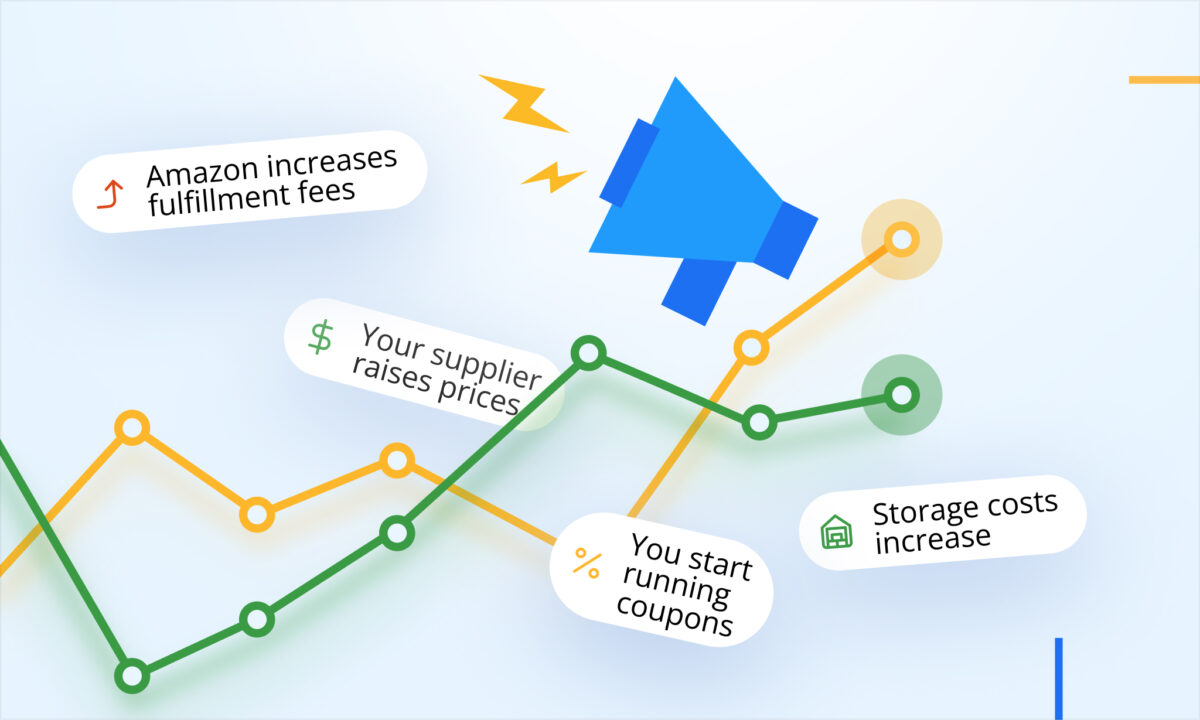
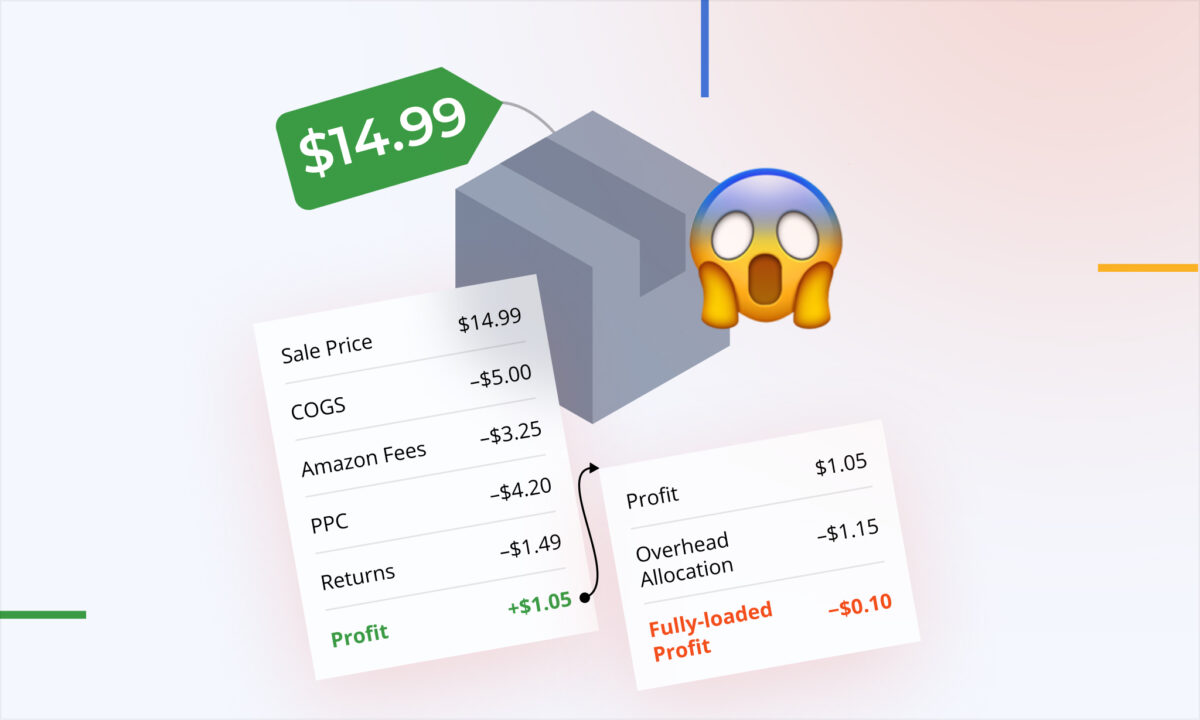
A discount changes the amount you receive from each order. It does not reduce every expense by the same percentage. The product still has to be purchased and fulfilled, while some fees can move with the selling price and a coupon or deal may introduce additional charges. For a Black Friday or Cyber Monday offer, the useful question is how much each discounted order can afford to spend on ads, rather than whether last month’s advertising percentage looked acceptable.
Start with one product, one marketplace and one planned offer. Write down the amount the customer will pay after the intended discount, then estimate the non-advertising costs for that exact scenario. Include cost of goods sold (COGS), applicable Amazon and fulfillment fees, shipping not already covered, expected returns and any relevant expenses. Keep tax treatment consistent. If you use revenue excluding VAT or sales tax, do not compare it with a tax-inclusive price elsewhere in the calculation.
Check the offer itself in Seller Central. Amazon’s guidance distinguishes the customer discount from any separate charges for running an offer; deal charges may include fixed or variable components. The applicable amount can depend on the offer and event. Use the current terms shown for your marketplace instead of borrowing an old rate from another campaign.
For the calculation below, the discount is already reflected in the customer-paid price. Do not subtract it again as an expense. Any separate coupon or deal charge still belongs in costs. If several offers can apply to the same purchase, check the combined amount the customer may actually pay.
How much can one promotional order afford to spend on ads?
Use two calculations. First, subtract all modeled non-ad costs from the customer-paid revenue. The result is the amount available for advertising before that order reaches break-even under your assumptions. Then subtract the amount of profit you want to retain. That second number is your planned advertising allowance, not a recommended bid or a daily campaign budget.
Advertising allowance per order = customer-paid revenue − modeled non-ad costs − desired profit per order.
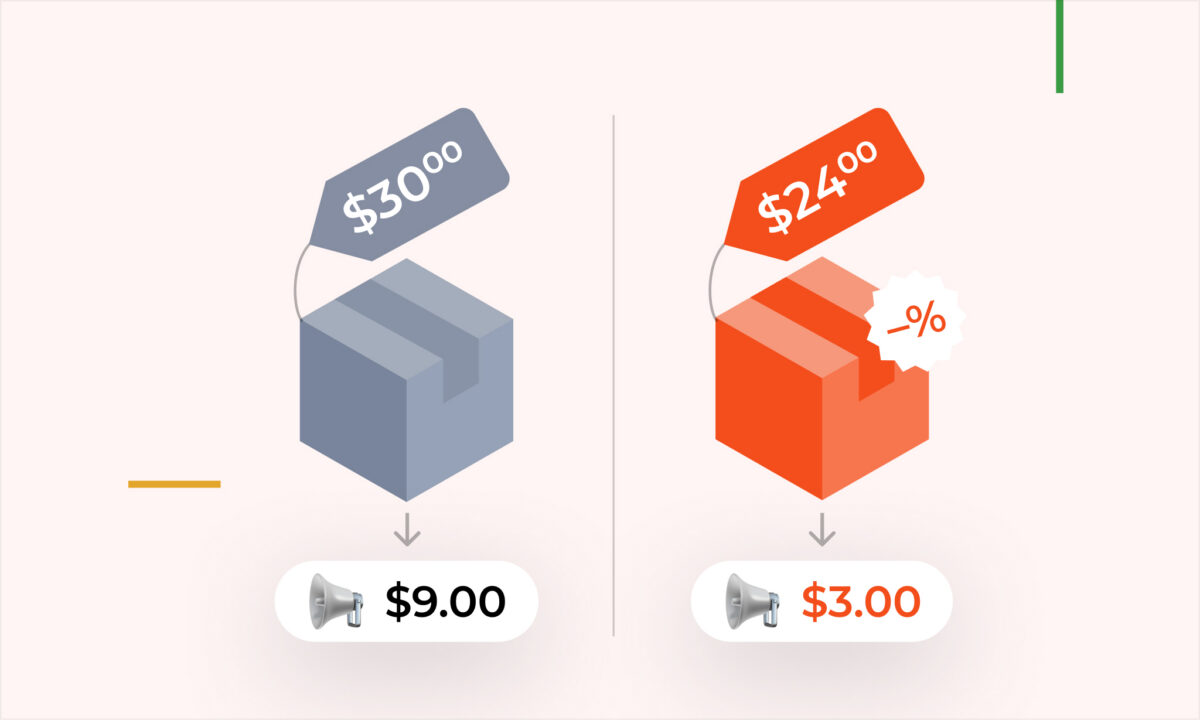
Here is an illustrative comparison, not sellerboard data or an Amazon fee quote. Each order contains one unit. Prices exclude tax, and each scenario has its own estimate of total non-ad costs. The $18 and $17 totals include COGS, applicable fees and fulfillment, expected return costs, expenses and any allocated offer charges. Price-dependent fees have been reconsidered for the lower price; the totals are assumptions, not a rule that every seller’s costs will fall by $1.
| Per one-unit order | Regular price | Promotional price |
| Customer-paid revenue | $30 | $24 |
| Modeled non-ad costs | $18 | $17 |
| Available before ads | $30 − $18 = $12 | $24 − $17 = $7 |
| Desired profit | $3 | $3 |
| Advertising allowance | $12 − $3 = $9 | $7 − $3 = $4 |
| Illustrative ad cost | $5 | $5 |
| Modeled profit after ads | $30 − $18 − $5 = $7 | $24 − $17 − $5 = $2 |
At full price, $30 − $18 leaves $12 before ads. Reserving $3 means you can spend $9 on advertising for that order. At the promotional price, $24 − $17 leaves $7 before ads, and the same $3 profit goal leaves just $4 for advertising.
Now suppose an attributed order costs $5 in advertising in either scenario. The full-price calculation leaves $30 − $18 − $5 = $7. The promotion leaves $24 − $17 − $5 = $2. The discounted order is still positive under these assumptions, but it misses the $3 goal. If it costs more than $7 to acquire, it crosses into a modeled loss. The decision depends on the goal you set before the promotion, not simply on whether the result is above zero.
Why is a fixed promotion fee worth a second calculation?
A fixed charge has to be paid even if the offer produces fewer orders than expected. For a per-order plan, divide that charge by the number of promotional orders you expect it to cover, and include the result in your non-ad cost estimate. Also keep the full charge visible in the campaign-level plan so the allocation does not hide the cash commitment.
For example, an assumed $100 fixed offer charge spread across 100 orders is $1 per order. At 50 orders, it is $2 per order. This is illustrative arithmetic, not an Amazon charge. If the $17 promotional cost total above included the $1 allocation, the lower-volume scenario would raise that total to $18. The advertising allowance would fall from $4 to $3 while preserving the same $3 profit goal.
Build a conservative-volume case alongside your main case. Include any variable charges too, and avoid charging the same fixed fee once through the allocation and again in the same profit total. Once the promotion ends, replace planned volume and fees with the actual figures. A lower customer price and higher order volume can coexist with a smaller amount left for the business.
Can you turn the dollar allowance into an ACOS target?
Only after checking the revenue basis. Advertising cost of sales (ACOS) divides ad spend by ad-attributed sales. Your planning calculation here starts with what the customer pays after the discount. Before comparing the two, confirm whether the report’s attributed-sales amount reflects the same discounts, taxes, products and order mix.
Use the dollar allowance as the anchor. For a campaign with mixed products or multi-unit orders, rebuild the calculation for the products and quantities actually being attributed rather than applying a one-unit example to every order. A daily budget also answers a different question: it controls total spending, not how much profit each resulting order retains.
How can sellerboard help before and during the promotion?
Before launch, use sellerboard’s Profit dashboard to inspect the relevant product, marketplace and period. Its cost breakdown can help you identify inputs to review. Then build the proposed-price calculation separately, in your own worksheet, using current Seller Central charges and your cost records. This is a manual planning exercise; sellerboard is not being used here as a promotion simulator.
During the offer, open PPC > Dashboard and select the relevant campaign, marketplace and dates. Review ad spend alongside attributed orders and sales. The Profit (estimated) figure needs care: its Promo, Refunds and Amazon fees components use previous-month per-order averages. A new discount or fee may therefore differ from the cost assumptions behind that estimate.
A positive estimate is a useful signal to investigate, not proof that this week’s discounted orders have met your profit goal. Compare observed advertising cost per attributed order with your manual allowance, and reconcile the promotional costs against the current offer and order records. Keep the same scope when comparing dates and products. Because attribution and reporting can update after the click, revisit recent results rather than treating a first-day reading as final.
For a fuller reconciliation, review the product’s profit-and-loss breakdown and the corresponding Amazon transactions. If you need the data outside the app, Profit > Reports provides downloadable product-level and daily breakdowns on paid subscriptions. Check that required costs are present and correctly assigned; an export is a starting point for the review, not a guarantee that every late charge has arrived.
What should you decide before changing bids or budgets?
Write down the proposed customer price, the cost assumptions and the profit goal in one place. In the worked example, $4 is the planned ad allowance per one-unit promotional order. If observed acquisition cost is $5, decide whether to reduce the discount, improve costs, change the advertising plan or consciously accept less than $3. Do not describe the outcome as meeting the original target when it does not.
If the purpose is inventory clearance rather than current profit, make that a separate decision with its own cost limit. Future repeat purchases, ranking gains or additional organic sales may matter to a business, but this calculation does not predict them. Keep unproven future benefits out of the amount you claim the current order has earned.
Review the total event result as well as the per-order result. More orders can spread a fixed fee over a larger base, but every additional order also brings its own product, fulfillment and advertising costs. After the offer ends and reporting has had time to update, compare actual profit with the plan and keep the revised cost assumptions for the next promotion.
What are the common mistakes?
- Carrying a full-price ad allowance into the sale without recalculating it.
- Subtracting the discount twice, or forgetting separate coupon and deal charges.
- Treating an assumed fixed-fee allocation as certain when order volume is uncertain.
- Calling a ratio of ad spend to discounted revenue the dashboard ACOS without checking its denominator.
- Reading estimated PPC profit as a settled result for a newly discounted offer.
- Increasing a daily budget because sales rose, without checking the amount left per order and for the event overall.
Frequently asked questions
Does a lower promotional price always make advertising unprofitable?
No. It changes the available margin, but the result depends on the actual price, costs and ad spending. In the example, a $5 advertising cost still leaves $2 at the promotional price; it simply falls short of the $3 goal. Your own numbers may give a different result.
Should I use the regular price or the promotional price in the plan?
Use the customer-paid price for the exact offer you are modeling, with consistent tax treatment. Include separate charges to run the offer in costs. If customers can buy at different effective prices, model those scenarios separately instead of assuming every order receives the same discount.
Can I use yesterday’s estimated PPC profit to confirm the promotion worked?
Use it as an initial signal, then verify the discount and fees for the current offer and revisit the data as reporting develops. The planning worksheet and the reported result answer different questions: what you can afford before launch, and what the promotion appears to have produced so far.
What if the promotional order cannot fund any advertising?
If revenue minus non-ad costs and your desired profit is zero or negative, the model leaves no advertising allowance at that goal. Rework the offer or explicitly choose another objective before increasing spend. More advertising does not, by itself, repair the arithmetic of an unprofitable order.
Recalculate what one discounted order can afford before the promotion starts, then check the result against actual costs as the offer runs. A useful advertising target protects the amount you intend to keep at the promotional price, not the margin you used to have.