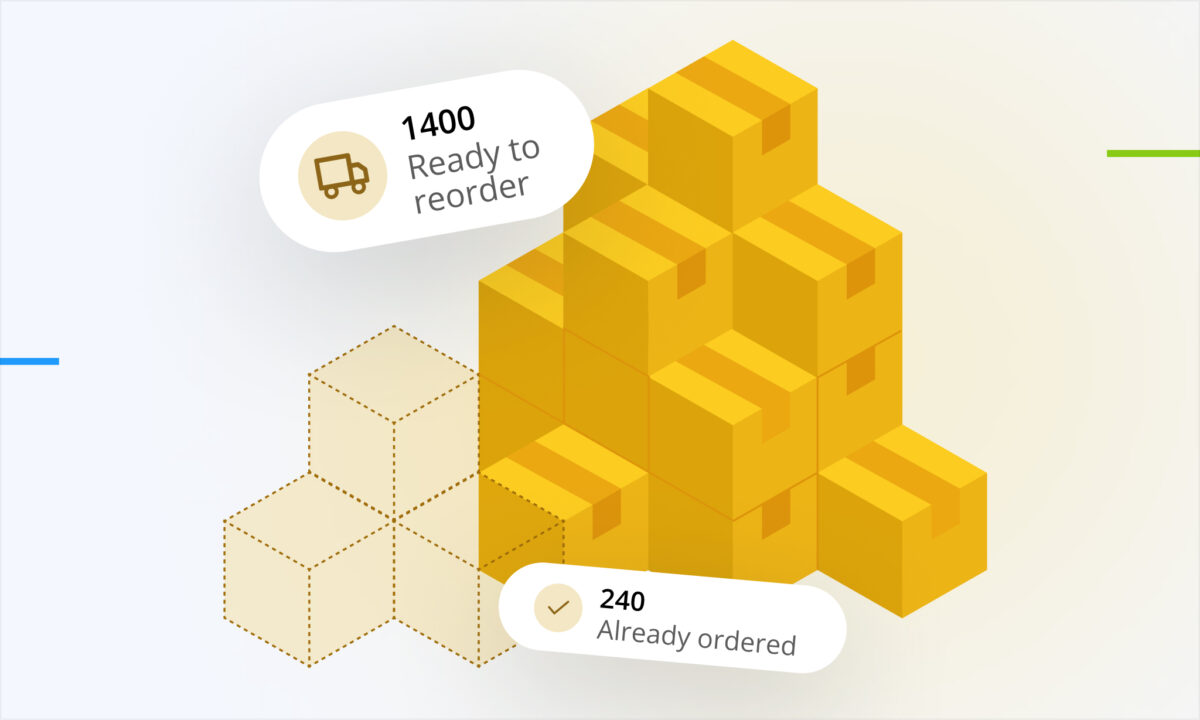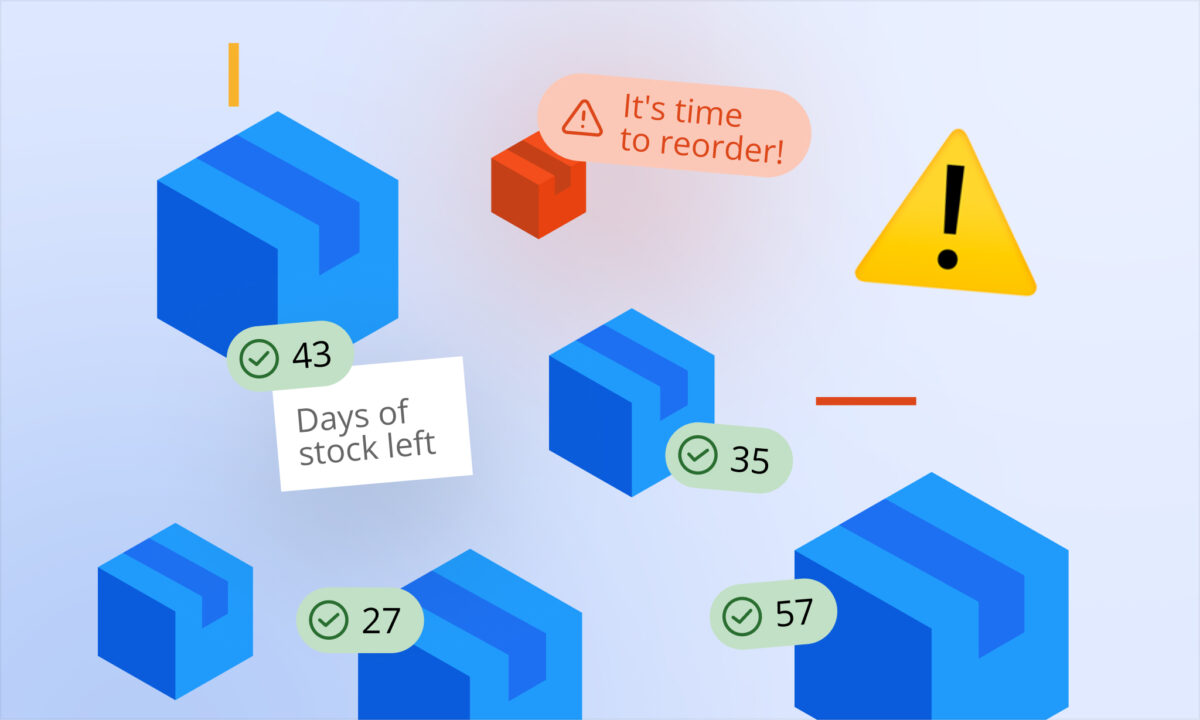
Running out of stock is one of the fastest ways to lose momentum on Amazon. But overordering isn’t much better—it ties up cash and increases storage fees. The real challenge is finding the balance.
That’s exactly where sellerboard’s Inventory Planner comes in.
Plan Inventory with Confidence
The Inventory Planner gives you a clear, data-driven view of your stock situation. Two metrics stand out as essential for decision-making:
- Days of Stock Left – how long your current inventory will last
- Days Until Next Order – when you need to reorder to avoid running out
Instead of guessing, you know exactly when action is required.
sellerboard also goes a step further by calculating a Recommended Reorder Quantity, so you’re not only ordering on time—but ordering the right amount.
What Drives the Forecast
All forecasting in sellerboard is powered by sales velocity (units sold per day), but it doesn’t stop there. You can fine-tune the forecast using real operational inputs and demand signals:
Supply chain & logistics inputs:
- Manufacturing time
- Shipping to Prep Center
- Shipping to FBA
- FBA buffer (extra safety time)
Inventory planning inputs:
- Desired target stock range after reorder (in days)
- Adjusted sales velocity parameters (weighting different sales periods like 3, 7, 30+ days)
- Seasonality (to reflect predictable demand fluctuations)
- Projected monthly growth rate
This allows you to move beyond static averages and build a forecast that reflects how your business actually operates.
Smarter Forecasting with Real Inventory Flow
sellerboard doesn’t just look at what’s currently in FBA. It considers your full inventory pipeline, including:
- Stock already at Amazon (FBA/FBM)
- Inventory at your prep center
- Ordered stock still in production or transit
- Units already sent to FBA via shipments
This gives you a complete picture of supply—not just what’s immediately sellable.
Built-In Guidance from Amazon
In addition to sellerboard’s own calculations, you also see key metrics pulled directly from Amazon:
- Recommended ship-in date
- Recommended ship-in quantity
- Based on Amazon’s historical days of supply
This gives you a second layer of validation, combining your operational data with Amazon’s internal forecasting.
Pro Tip: Automate Stock Alerts
You don’t have to monitor everything manually.
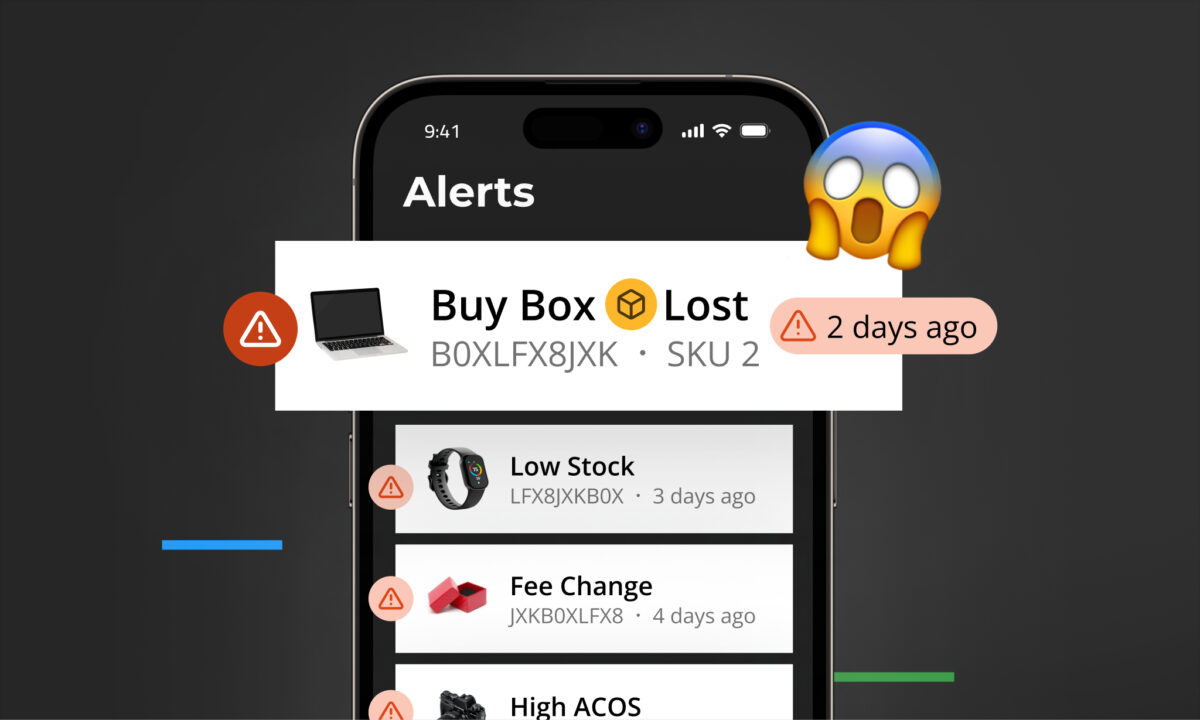
With automated stock alerts, sellerboard can notify you via email when a product is approaching a reorder point. Just enable Stock Alerts in the Alerts settings, and you’ll always stay ahead of potential stockouts.
Inventory management doesn’t have to be reactive. With sellerboard, you get clear signals on when to reorder, how much to order, and what’s coming next—so you can protect your revenue, improve cash flow, and scale with confidence.