A reorder decision should be made against everything you own, not just what’s sitting at Amazon: the stock available for sale plus the stock you’ve already ordered from your supplier. Supply chain planning calls this total your inventory position. The catch is that an order placed with a supplier is invisible to Amazon until it becomes an FBA inbound shipment, and an order recorded in an email thread or a spreadsheet is invisible to every forecast. For a product with a two-month lead time, that means the order is missing from the numbers for most of its journey, and every reorder alert during that time is asking you to buy stock you’ve already paid for. You end up either ordering twice or learning to ignore the alert. Both habits lead to the same place: a rushed reorder, placed too late, at the most expensive freight rate.
What should a reorder alert actually compare?
A reorder point is the stock level at which you need to order again so the new units arrive before the old ones run out. It’s usually calculated as the demand you expect during the lead time plus a safety buffer: at 20 units a day, a 65-day lead time and a 30-day buffer, that’s 1,900 units.
The question is what you compare that 1,900 against. If it’s only the stock available at Amazon, the alert has no idea that 1,800 units are already being manufactured. The standard answer in inventory planning is to compare the reorder point against stock on hand plus stock on order, because any new order has to account for what is already on its way.
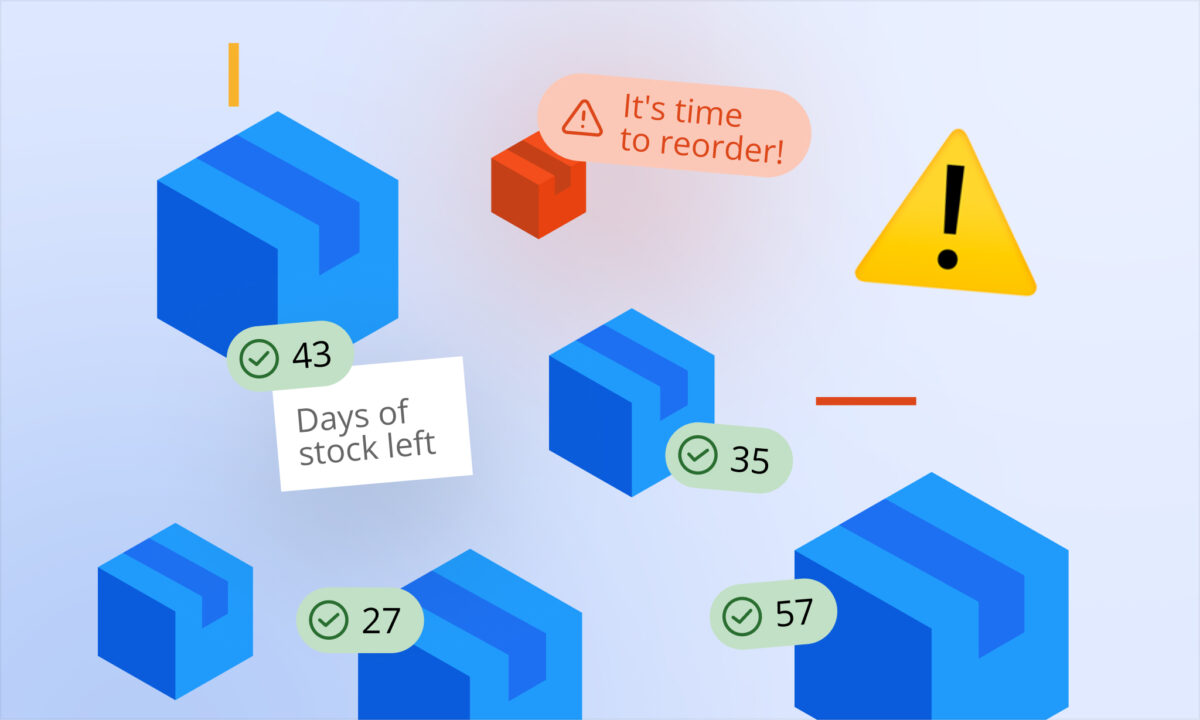
That one difference decides whether an alert tells you something useful. Compared against on-hand stock only, the alert switches on the moment you reach the reorder point and stays on until the new stock is received, which is exactly the period when you don’t need to do anything.
Where does an order go missing?
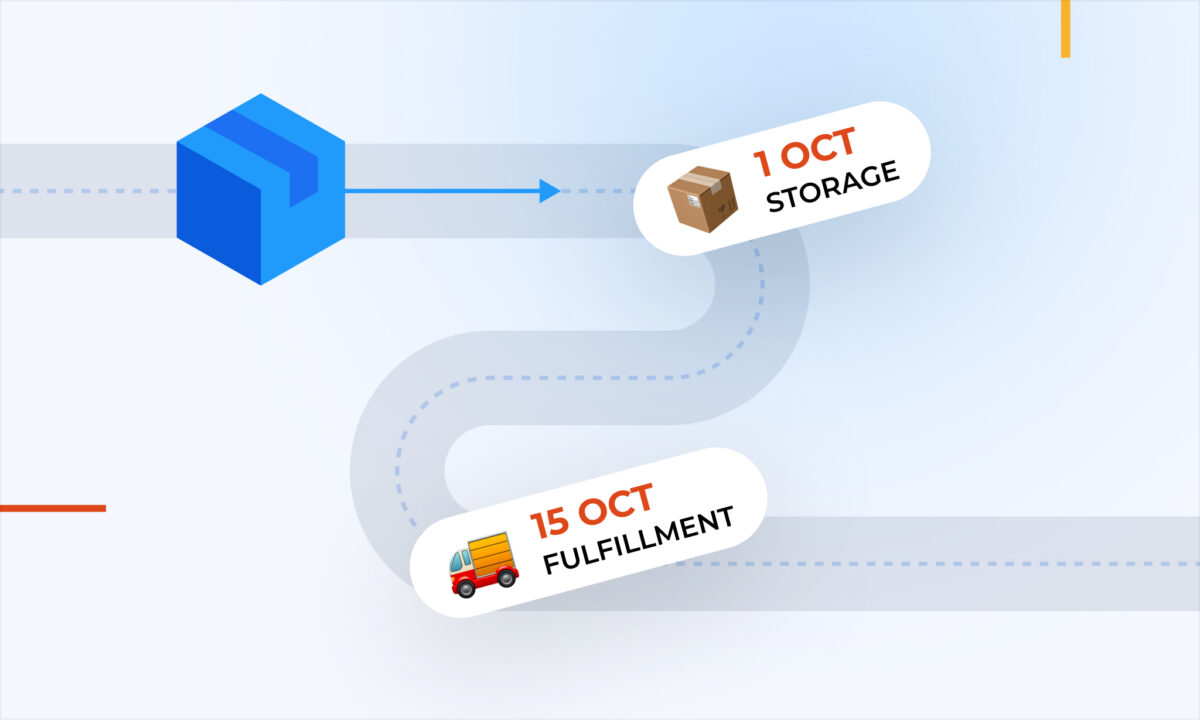
Between the day you confirm an order with your supplier and the day the units are sellable, the order passes through several stages. Amazon’s restock report counts units in open inbound shipments (the Working, Shipped and Receiving stages) and nothing before that.
| Stage | Where the units are | Counted in Amazon’s restock report? |
|---|---|---|
| Order confirmed | Supplier’s production queue | No |
| In production | Supplier’s factory | No |
| In transit | Ship, truck or port | No |
| At the prep center | Your prep center or 3PL | No |
| FBA shipment created | Boxed, shipment in Working status | Yes |
| Shipped / Receiving | On the way to or being checked in at Amazon | Yes |
| Available | Sellable in FBA | Yes |
The first four rows are usually the longest part of the lead time. In the example below, production and freight to the prep center take 55 of the 65 days, and for all of that time the only record of the order is whatever you wrote down yourself.
What happens during the blind window?
Take one product selling 20 units a day. Manufacturing takes 30 days, freight to the prep center 25, prep 3 and the leg into FBA 7, so the total lead time is 65 days. With a 30-day buffer, the reorder point is 1,900 units. On day 0, stock at Amazon hits 1,900 and you order 1,800 units.
| Day | Stock at Amazon | Days of cover (Amazon stock only) | What an alert counting Amazon stock only says | Days of cover (stock on hand + on order) |
|---|---|---|---|---|
| 0 | 1,900 | 95 | Reorder now → order placed | 185 |
| 14 | 1,620 | 81 | Past reorder point | 171 |
| 30 | 1,300 | 65 | Past reorder point, cover equals lead time | 155 |
| 45 | 1,000 | 50 | Past reorder point | 140 |
| 58 | 740 | 37 | Past reorder point (Amazon’s restock report starts counting the FBA shipment) | 127 |
| 65 | 600 + 1,800 received | 120 | Clears | 120 |
After the order is placed, an alert that only counts stock at Amazon is wrong on every day of the lead time. Amazon’s own restock report catches up on day 58, when the FBA shipment is created, which still leaves eight weeks of misleading recommendations. On day 30 the alert looks at its most convincing: stock covers exactly the lead time, so ordering right now seems like the only way to avoid a gap. Counting the order already placed, you have 155 days of cover and nothing to do.
Why does ordering twice cost more than it looks?
Say you act on that day-30 alert and order another 1,800 units. The first batch arrives on day 65. By day 95, when the duplicate batch lands, you’re holding 1,800 units from the first order plus 1,800 new ones: 3,600 units, or 180 days of cover.
At an $8.00 landed cost per unit, that’s $14,400 of cash committed roughly 60 days before the next order was actually due. Your inventory position would only have reached the reorder point again around day 90.
The stock also has to be stored somewhere. With first-in, first-out selling, the last units of the duplicate batch sell around day 275, meaning they spend about 180 days in FBA. That’s right at the 181-day mark where Amazon’s aged inventory surcharge starts, and if those months include Q4, the units sit through the year’s highest monthly storage rates. None of this appears in a single line of your P&L. It shows up as a quarter where the cash position is tighter than the sales figures suggest.
Why is ignoring the alert the more dangerous habit?
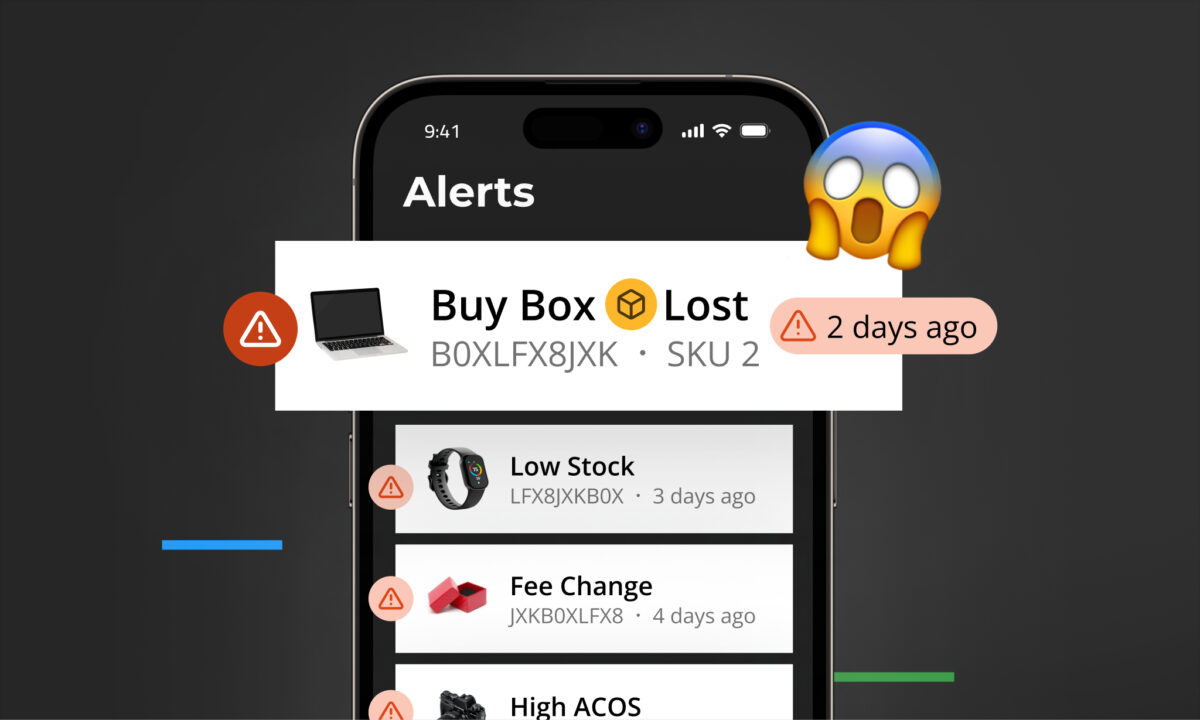
An alert that’s wrong for most of every reorder cycle trains you to dismiss it. After a double order, the natural reaction is to trust the alert less, and the next time it turns red for a real reason, it looks exactly the same as all the times it didn’t matter.
That’s when the reorder becomes reactive, and reactive reorders are expensive in three ways:
- Freight. Getting stock in quickly usually means air freight, which runs roughly three to five times the cost of ocean.
- Amazon fees. On US FBA, the low-inventory-level fee applies when historical days of supply fall below 28 in both the last 30 and the last 90 days, calculated per seller FNSKU (per variation) since January 2026. It runs from $0.32 to $1.11 per unit on standard-size products and up to roughly $2.09 on bulky ones. Because it’s charged on every unit sold while you’re under the threshold, it costs the most on your best seller during its best week.
- Ranking. A stockout stops sales velocity, and velocity feeds organic ranking. Recovery after restocking typically takes weeks, often with higher ad spend to rebuild momentum.
Does logging the order solve it on its own?
Only if the record stays current. An order counted as incoming is a promise about a date, and a promise that has slipped still reads as coverage.
In the worked example, the 30-day buffer absorbs a supplier delay of up to 30 days. A 35-day delay becomes a stockout, and a forecast that still counts the order as on schedule won’t warn you. Two habits keep the inventory position honest:
- Update the status when it changes. Confirmed, shipped, received. A stage that isn’t updated is a stage the forecast gets wrong.
- Record partial deliveries as partial. If a supplier ships 1,200 of 1,800 units, the remaining 600 are still on order and need their own expected date. Closing the whole order when only part of it arrived either counts 600 units you don’t have or drops 600 units that are still coming, and both errors carry into the next reorder.
How does sellerboard keep ordered stock in the forecast?
The problem above comes from the order and the forecast living in different places. sellerboard puts them in the same one.
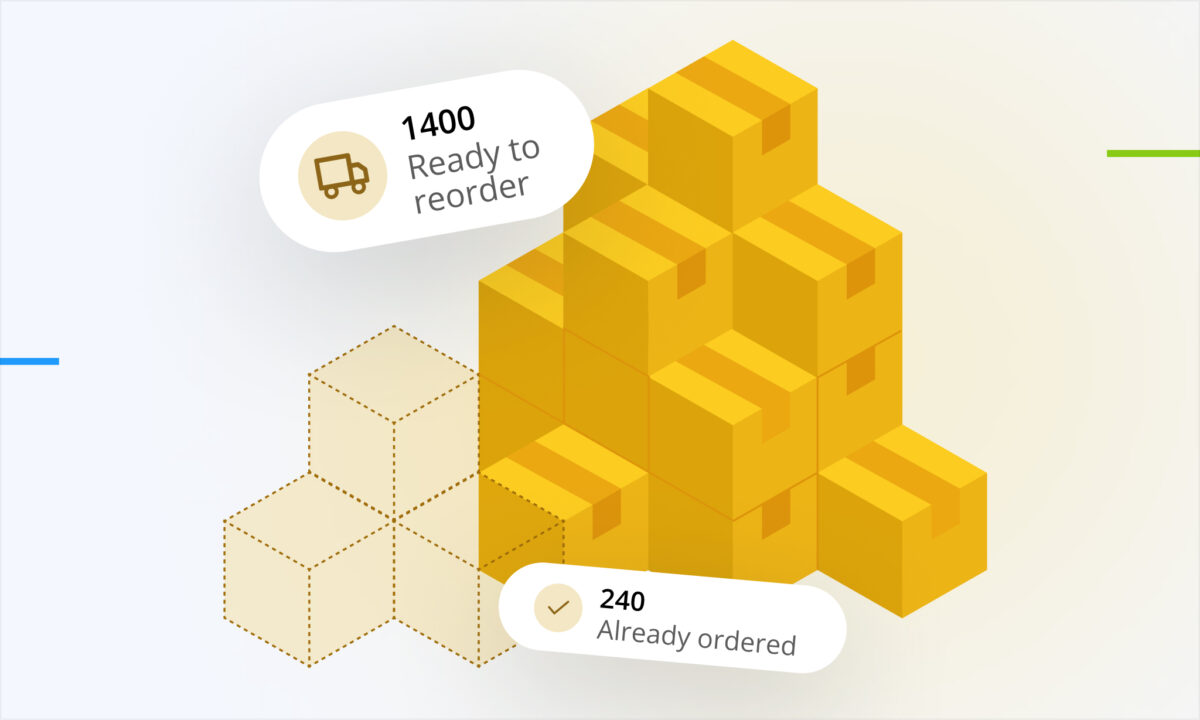
The Inventory Planner counts the whole pipeline. Each product row shows stock available in FBA and FBM, stock at your prep centers, units ordered from suppliers but not yet received, and units sent to FBA but not yet checked in. The Sent to FBA figure updates automatically from your shipments, so the stages Amazon can see are covered without any manual entry.
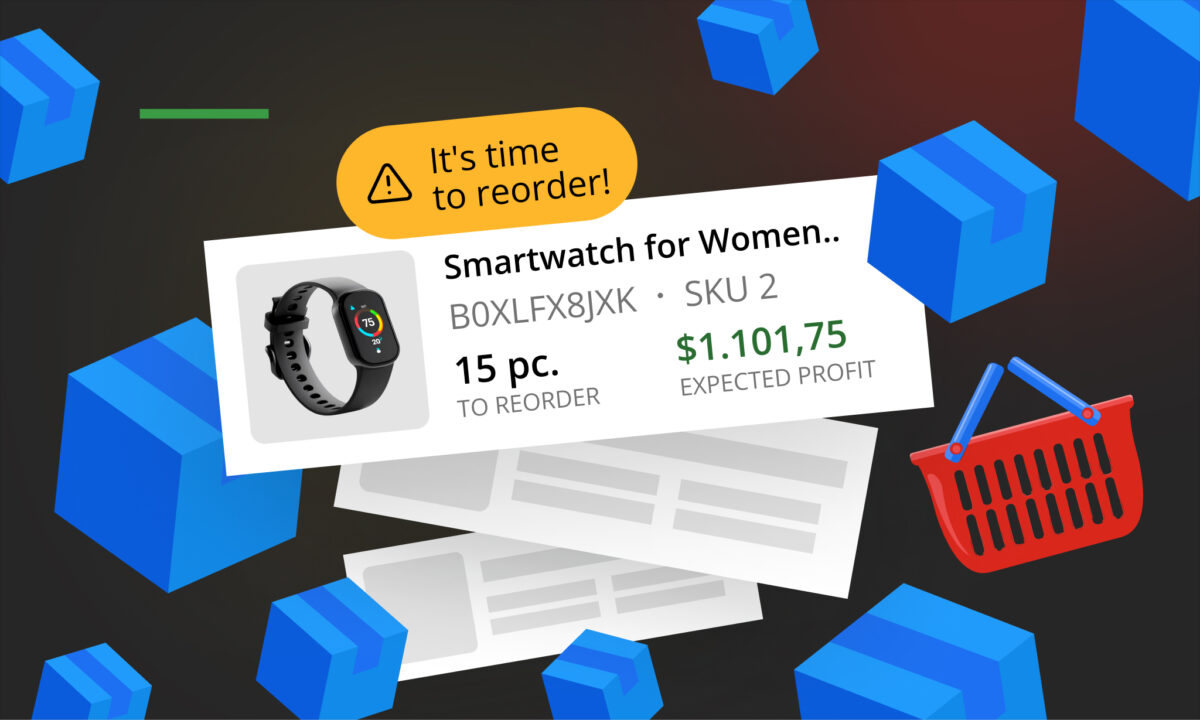
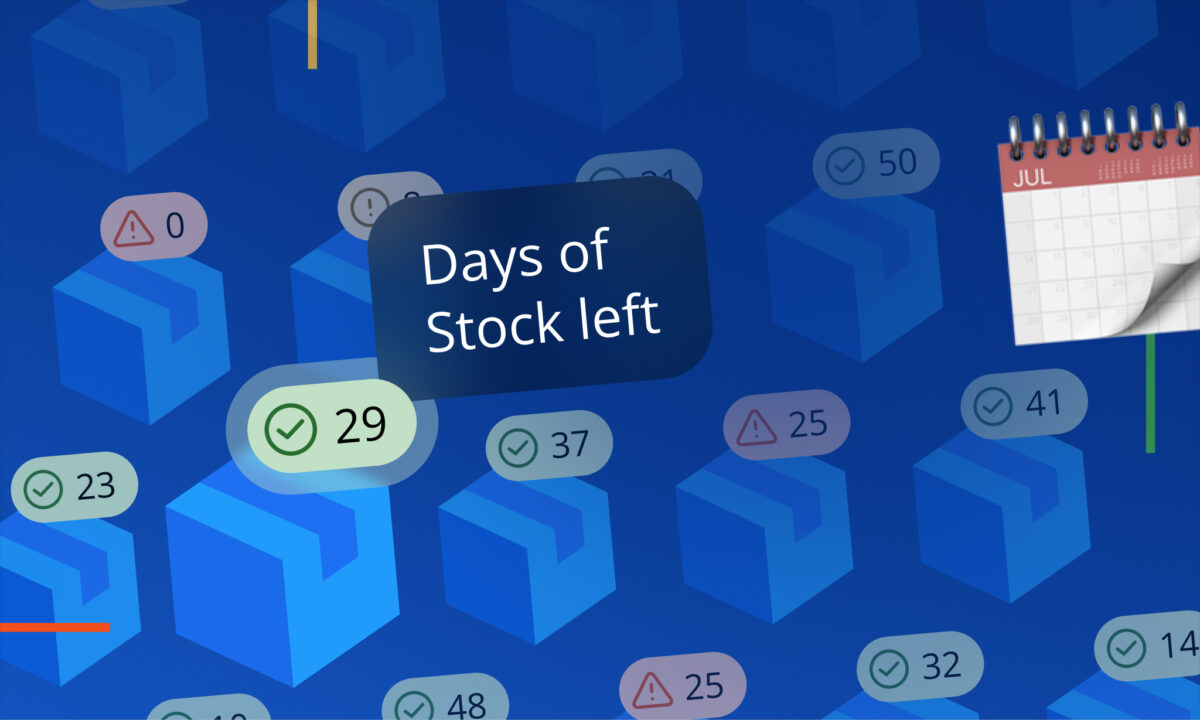
Orders start from the alert. When the Days until next order column turns red, meaning you’re past the best reorder date for your lead time, select the product and click Create purchase order. The purchase order uses the planner’s quantities as a starting point, and the recommended quantity already accounts for your sales speed, manufacturing time, shipping time and buffer.
Placed orders count as incoming stock. When you change the purchase order status to Ordered, confirm the option to update the Planner page. The units then appear in the planner’s Ordered column and are included in reorder calculations and alerts from that moment. The product’s alert reflects the stock you really need, not the stock that’s already being made.
Partial deliveries stay accurate. If the supplier ships in parts, split the purchase order: the units in the first shipment move to a new linked order, the rest stay in the original, and each has its own status and delivery date.
Receiving closes the loop. Marking a purchase order as Closed lets you add the units to your prep center stock and create a new cost batch for those products, with transportation costs divided across every product in the order. The profit figures for the next sales then use what that delivery actually cost. When you link the order to an FBA shipment, sellerboard also warns you if the shipment is closed but Amazon hasn’t checked in every unit.
Common mistakes
- Comparing the reorder point to stock at Amazon only. Add everything on order, or the alert is wrong for most of the lead time.
- Treating Amazon’s restock report as the full picture. It counts open FBA shipments and nothing still at your supplier.
- Keeping orders in email and spreadsheets. A record no forecast reads can’t correct the forecast.
- Logging the order but not its status. A delayed order still reads as coverage until you update it.
- Closing a partially delivered order. The plan either counts units that never arrived or loses units that are still on the way.
- Reacting to a red alert without checking what’s already ordered. That’s how duplicate batches end up aging in FBA.
FAQ
What is inventory position? Stock on hand plus stock on order. Reorder decisions should be compared against it, not against on-hand stock alone, because the order you placed last month will arrive before the one you place today.
Doesn’t Amazon’s restock recommendation already include incoming stock? Partly. It includes units in open inbound shipments, from the moment a shipment is created, but not stock still in production or in transit to your prep center, which is usually most of the lead time.
How long can an order stay invisible to Amazon? Until you create the FBA shipment. With 30 days of manufacturing, 25 days of freight to a prep center and a few days of prep, that’s around eight weeks.
Is ordering twice really a problem if the stock eventually sells? It ties up cash well before it’s needed and can keep units in FBA long enough to reach the aged inventory surcharge, especially when the extra months fall in Q4.
What if my supplier is late? An order counted as incoming still reads as coverage. Keep its status and delivery date current, so a delay longer than your buffer shows up while you can still act on it.
Does sellerboard update the forecast when I create a purchase order? When you set the purchase order to Ordered and confirm the Planner update, the units appear in the Ordered column and are included in reorder calculations and alerts. Draft purchase orders don’t affect inventory.
Does this apply to FBM sellers? The forecasting logic is the same, and the Inventory Planner covers FBM stock. The low-inventory-level fee and Amazon’s storage surcharges are FBA-only.
A reorder alert is only as good as what it counts. Stock you’ve ordered is already yours; it just isn’t at Amazon yet. Keep every order where the forecast can see it, keep its status current, and a red alert becomes a signal to act instead of a question about whether to believe it.