Sending inventory to Amazon is one of the most critical – and often least transparent – parts of running an FBA business. Missing units, delayed check-ins, or unclear shipment status can quietly impact both inventory planning and profitability.
Did you know that sellerboard gives you full visibility and control over your inbound FBA shipments – all in one place?
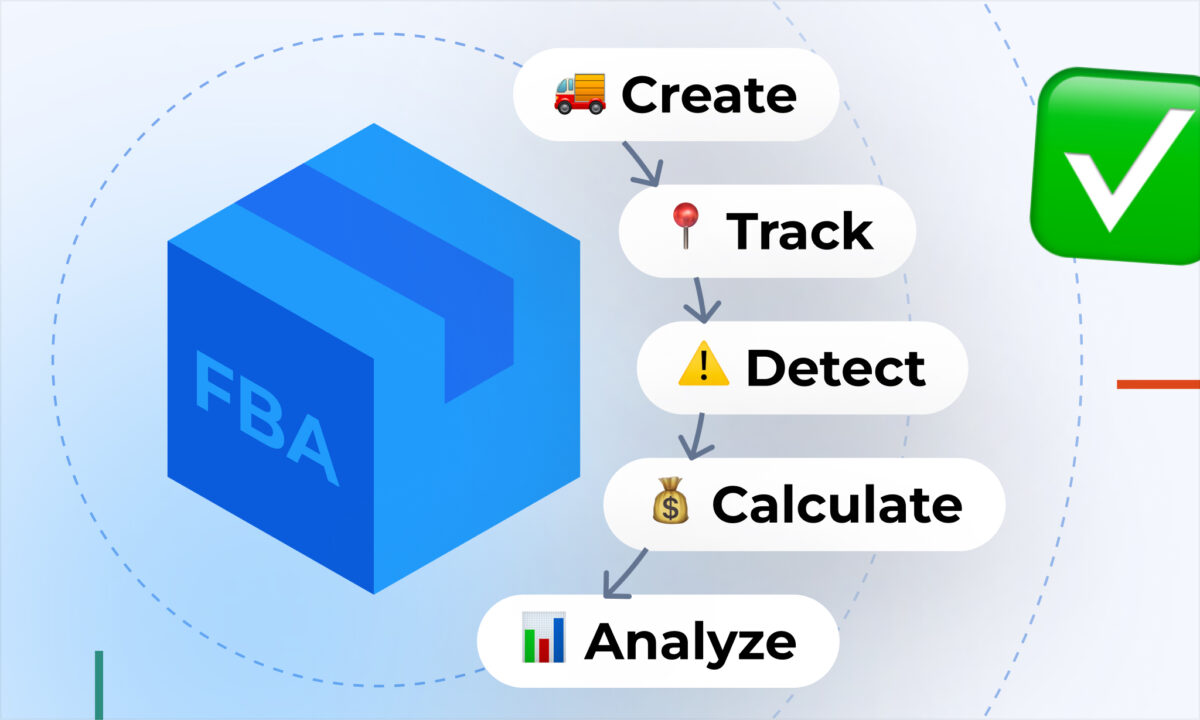
📦 From offer creation to shipment – one connected workflow
FBA shipments in sellerboard are not a standalone tool. They are part of a fully integrated workflow that connects sourcing, listing, and shipping.
You can:
- create inbound FBA shipments directly inside sellerboard
- move listed offers straight into the shipment pipeline
- define prep instructions, packing details, and shipping methods
- generate and print FNSKU and box labels without leaving the tool
This means no switching between tools or manually syncing data – everything flows in one system.
🚚 Track what you sent vs what Amazon received
One of the biggest risks with FBA shipments is discrepancies.
Sellerboard helps you:
- track shipment status and check-in progress
- monitor what has actually been received at Amazon
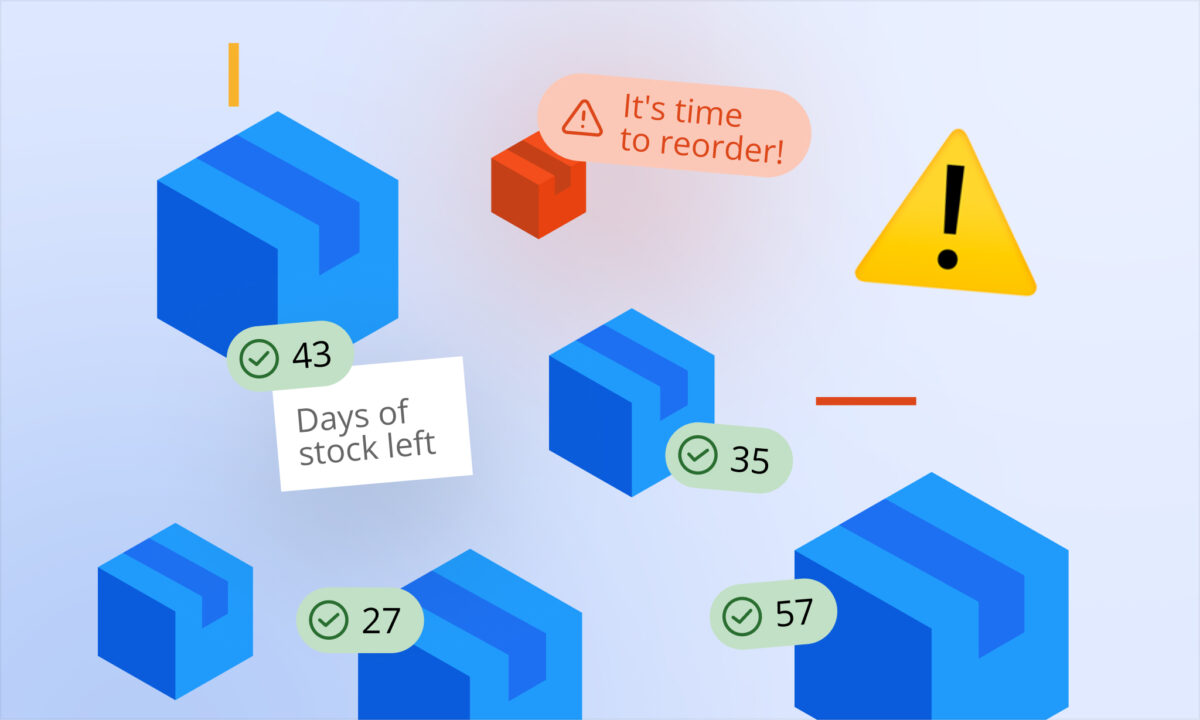
- identify missing or delayed units early
This visibility allows you to act quickly if something goes wrong – instead of discovering issues weeks later when profits are already affected.
⚠️ Catch discrepancies before they impact your margins
When shipments are not fully checked in, it directly affects:
- available inventory
- sales continuity
- profit calculations
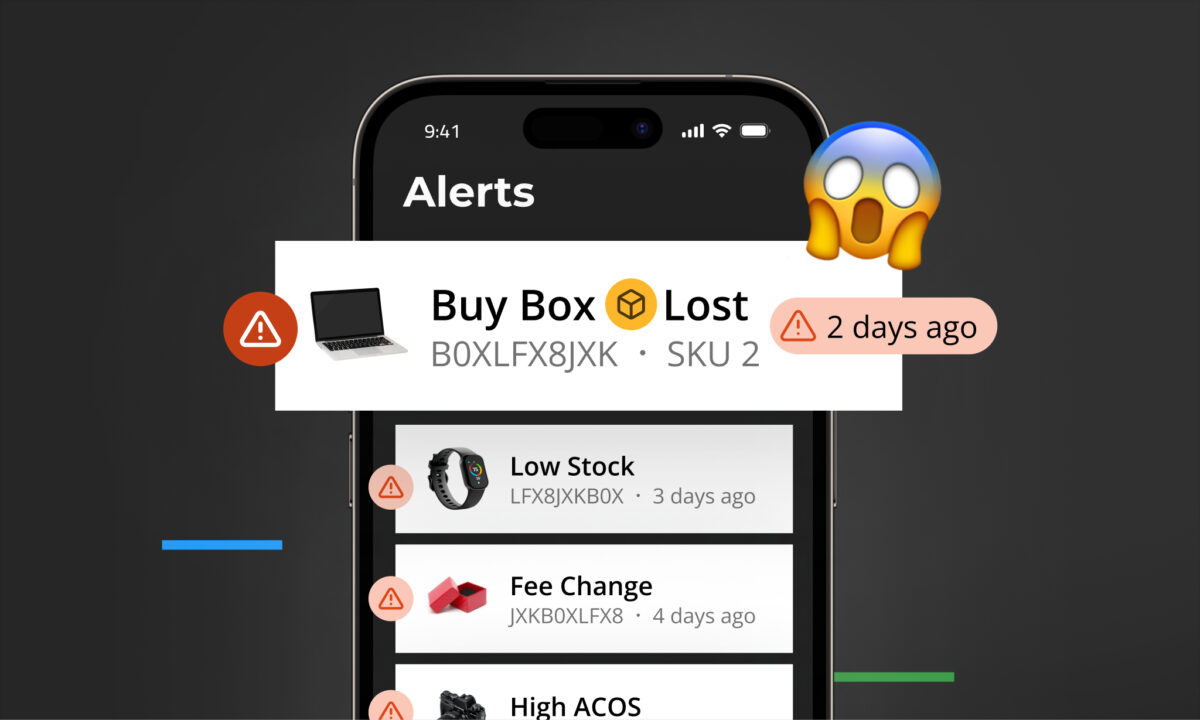
Sellerboard even allows you to combine shipment tracking with alerts, so you can be notified when a shipment is closed but not fully received – helping you investigate and recover losses faster.
💰 Link inbound shipments directly to COGS and profit
Unlike typical shipment tools, sellerboard connects inbound inventory with your financial data.
You can:
- assign COGS at the batch level
- track profit per batch using FIFO
- create accurate cost structures as inventory arrives
This ensures that your profitability is always based on real inventory flow – not assumptions.
📊 See the full picture: inventory, costs, and profit
FBA shipments in sellerboard are tightly integrated with:
- Inventory Planner (e.g. “Sent to FBA” updates automatically)
- Profit Dashboard (real profit impact of incoming stock)
- Purchase Orders and supplier tracking
This creates a complete system where:
- inventory in transit is visible
- costs are correctly assigned
- profit reflects real stock movement
🚀 Why this matters
Managing FBA shipments is not just about logistics – it’s about protecting your margins.
With sellerboard, you can:
- avoid silent inventory losses
- keep stock data accurate across all tools
- connect inbound shipments directly to profitability
- make faster, data-driven replenishment decisions
In short:
You always know what you sent, what Amazon received, and how it impacts your profit – without relying on disconnected tools or manual tracking.