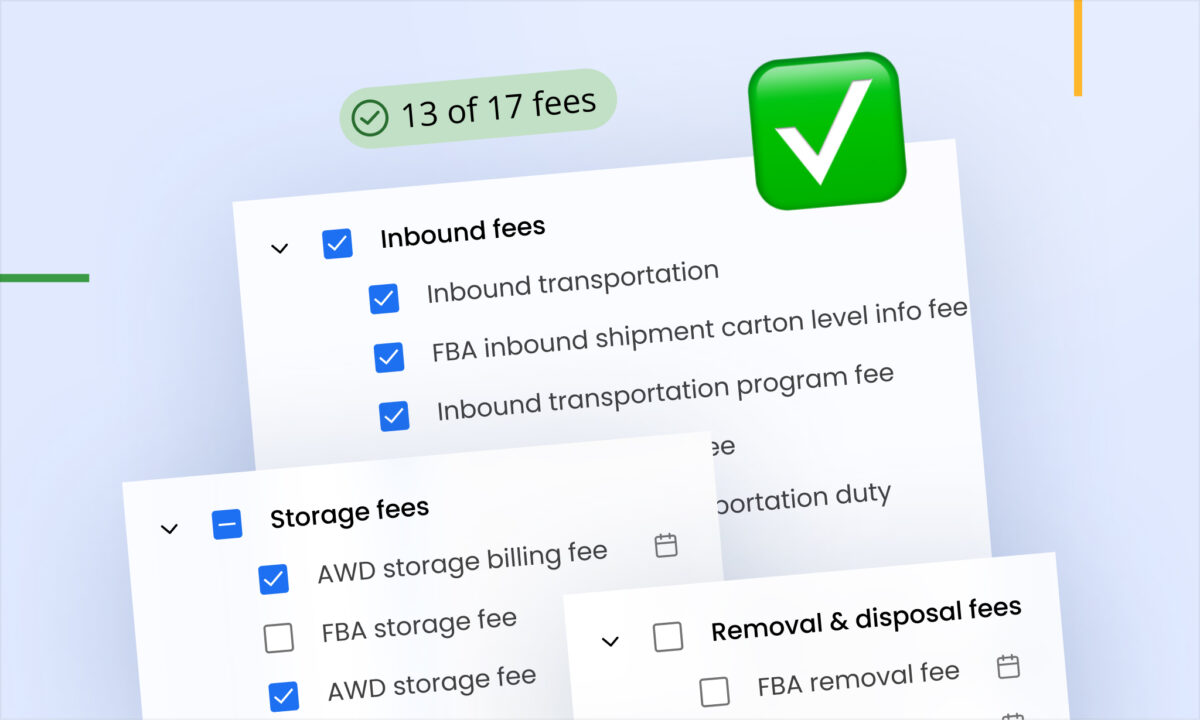
Five updates are live for sellers on Walmart and eBay. Fulfillment-only orders no longer quietly distort your Walmart sales and profit, sellers who run Walmart without an Amazon account now get the Summary Dashboard, and both Walmart and eBay have their own Reports page you can export from — bringing both marketplaces in line with what Amazon sellers have had for years.
Here’s what each change does and how to start using it.
Keep fulfillment-only orders from distorting your Walmart numbers
If you use Walmart Multi-Channel Fulfillment (MCF/WFS), some of the orders in your Walmart data aren’t Walmart sales at all.
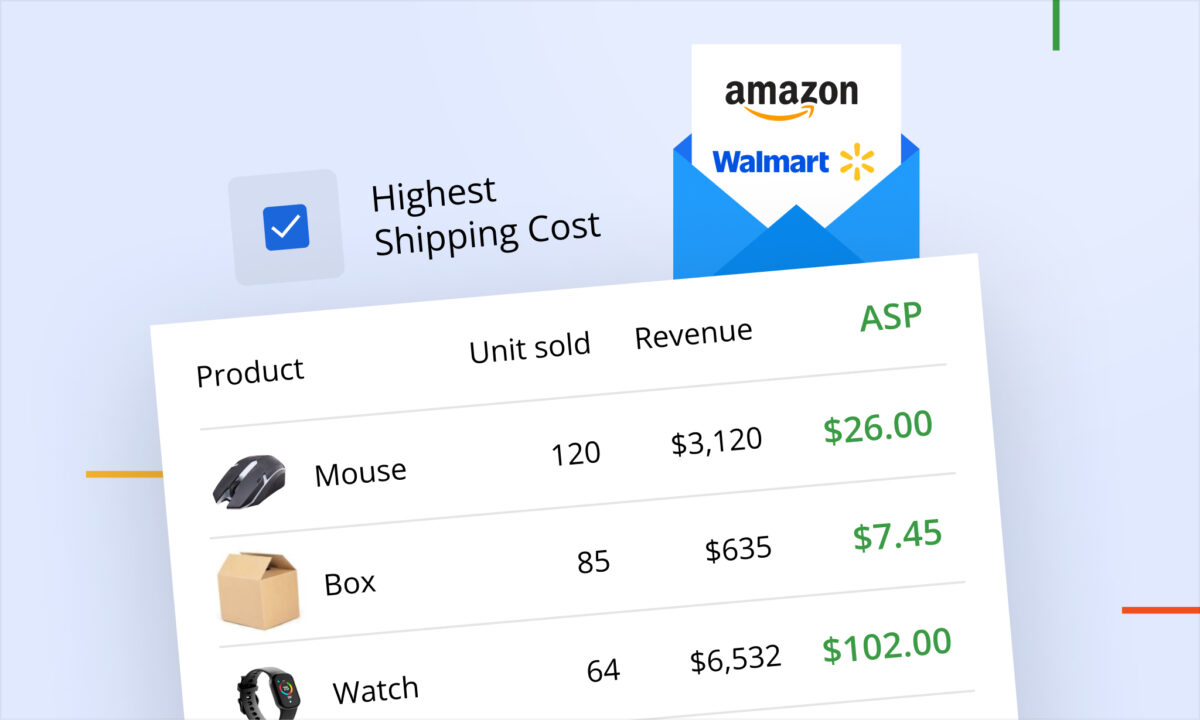
An MCF/WFS order is a sale that happened somewhere else — Shopify, eBay, Amazon, your own site — that Walmart simply fulfilled for you. Walmart handles the pick, pack and ship; the transaction itself lives on the other channel. That means sellerboard receives the fulfillment costs and the COGS for those units, but no sales revenue and no selling price, because Walmart never had any to report.
Left mixed in with your real Walmart orders, these are corrosive in a specific way: they add units and costs without adding revenue. Two changes fix it.
Change one: MCF/WFS orders are detected and flagged automatically
During synchronisation, sellerboard now identifies Walmart MCF/WFS orders from the Walmart order data and marks them as multi-channel orders. The flag travels with the order throughout the application, so fulfillment-only orders are easy to tell apart from regular Walmart orders wherever you look.
Nothing to switch on — this happens on its own.
Change two: “Ignore multi-channel orders” now covers Walmart
The “Ignore multi-channel orders” setting previously applied to Amazon only. It now applies to Walmart too. Turn it on and sellerboard excludes Walmart MCF/WFS orders during data processing, keeping them out of your Walmart dashboards, reports, and profit calculations.
The same setting, the same behaviour, across both marketplaces.
What this looks like in practice
The scale of the distortion depends on how much of your Walmart volume is fulfillment-only. An illustration with round numbers:
Say you had 500 Walmart orders last month. 380 were genuine Walmart sales at an average of $50, so $19,000 in revenue. The other 120 were MCF/WFS orders fulfilling sales you made on Shopify — $12 of COGS and a $5 WFS fee per unit, so $2,040 of cost with no matching revenue attached to it.
Mixed together, your Walmart dashboard reports 500 orders against $19,000 of revenue — an average order value of $38 instead of $50 — and $2,040 of cost that belongs to a different sales channel eating into your Walmart profit. The channel looks worse than it is, and the conversion and AOV figures you’d use to make pricing decisions are wrong.
Exclude them, and Walmart shows 380 orders, $19,000, and the profit those sales actually produced.
Which of the two changes you want
They serve different purposes, so it’s worth being deliberate:
- Leave the setting off if you want to keep an eye on your MCF/WFS fulfillment costs inside sellerboard. The orders stay in your data, but the multi-channel flag now makes them identifiable rather than invisible.
- Turn the setting on if you want your Walmart analytics to answer one question only: how is my Walmart business doing? Fulfillment-only orders disappear from the calculation entirely.
If you sell on multiple channels and use Walmart mainly as a fulfillment provider, the second option is almost always the one you want.
A unified Summary Dashboard for Walmart-only sellers
The Summary Dashboard is where you look when you run more than one account and want a single answer rather than several. Until now it had one hard requirement: at least one connected Amazon account. Sellers who ran Walmart without Amazon simply didn’t get it, which meant checking each Walmart account in turn and adding things up by hand.
That requirement is gone. If you have multiple Walmart accounts and no Amazon account, the Summary Dashboard is now available to you automatically — no setup, no request.
It consolidates data from all your connected Walmart accounts into one view, and it also pulls in other supported marketplaces such as eBay. So a seller running three Walmart accounts and an eBay store gets one dashboard covering all four, instead of four separate check-ins.
This matters most at the point where a problem is easy to miss: one account having a bad week is obvious when you’re looking at that account, and invisible when you’re mentally averaging across several. A consolidated view surfaces the divergence.
Dedicated Reports pages for Walmart and eBay
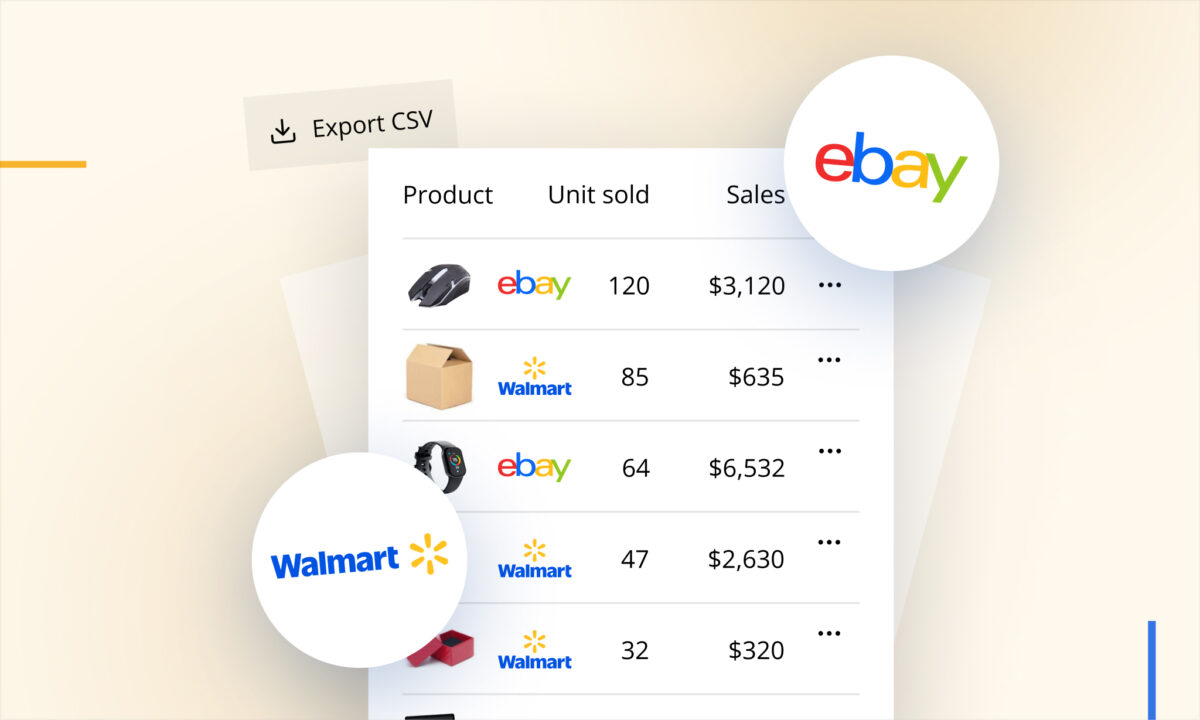
Both Walmart and eBay now have their own Reports page.
Before this, data for these marketplaces was viewable inside the dashboard but there was no way to get it out. If you needed it in a spreadsheet — for a deeper analysis, a monthly reporting pack, or to hand to your accountant — you were copying figures off the screen.
Now you can export it properly.
How to export
- Open the Reports page from the Walmart or eBay menu.
- Choose a report type.
- Set a date range.
- Download in XLSX or CSV.
What you can pull
Available reports include Orders, Products, Daily, Monthly, and other business reports — the same reporting shape Amazon sellers already work with, now for Walmart and eBay.
A practical note: the Daily and Monthly reports are the ones worth setting up a routine around. Pulling Monthly at the start of each month gives you a clean record of what the marketplace actually did, independent of any dashboard date-range you happened to have selected — useful for bookkeeping, and useful later when you want to compare a period against itself a year on.
All five updates are live now
Nothing to install and nothing to request. MCF/WFS detection runs automatically, “Ignore multi-channel orders” is waiting in your settings whenever you want it, the Summary Dashboard appears on its own for Walmart-only sellers with more than one account, and the Reports pages are in the Walmart and eBay menus.
If you sell on Walmart or eBay, we’d like to know how these work for you — and what’s still missing. Just drop a message in the support chat and tell us. Feedback from sellers is what decides what we build next.