We’ve shipped new improvements to make managing large catalogs simpler and account administration more secure — without extra back-and-forth. Here’s what’s new and how it works.
📦 Products: Product Page grouping by Parent
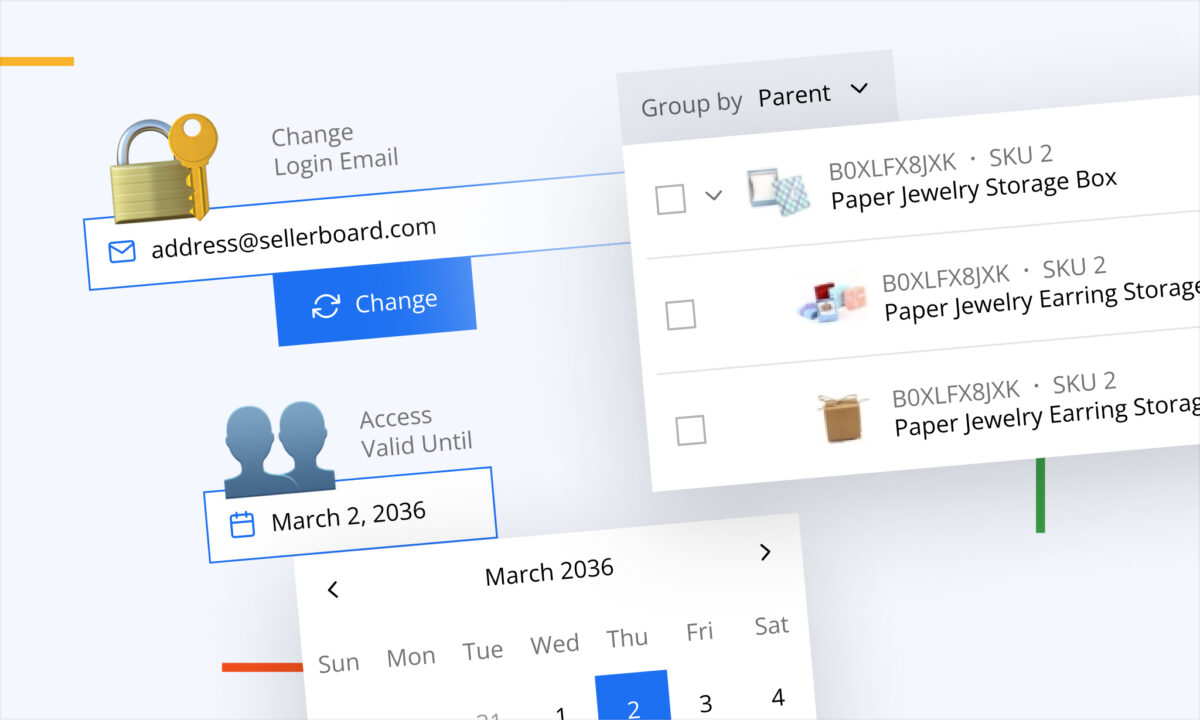
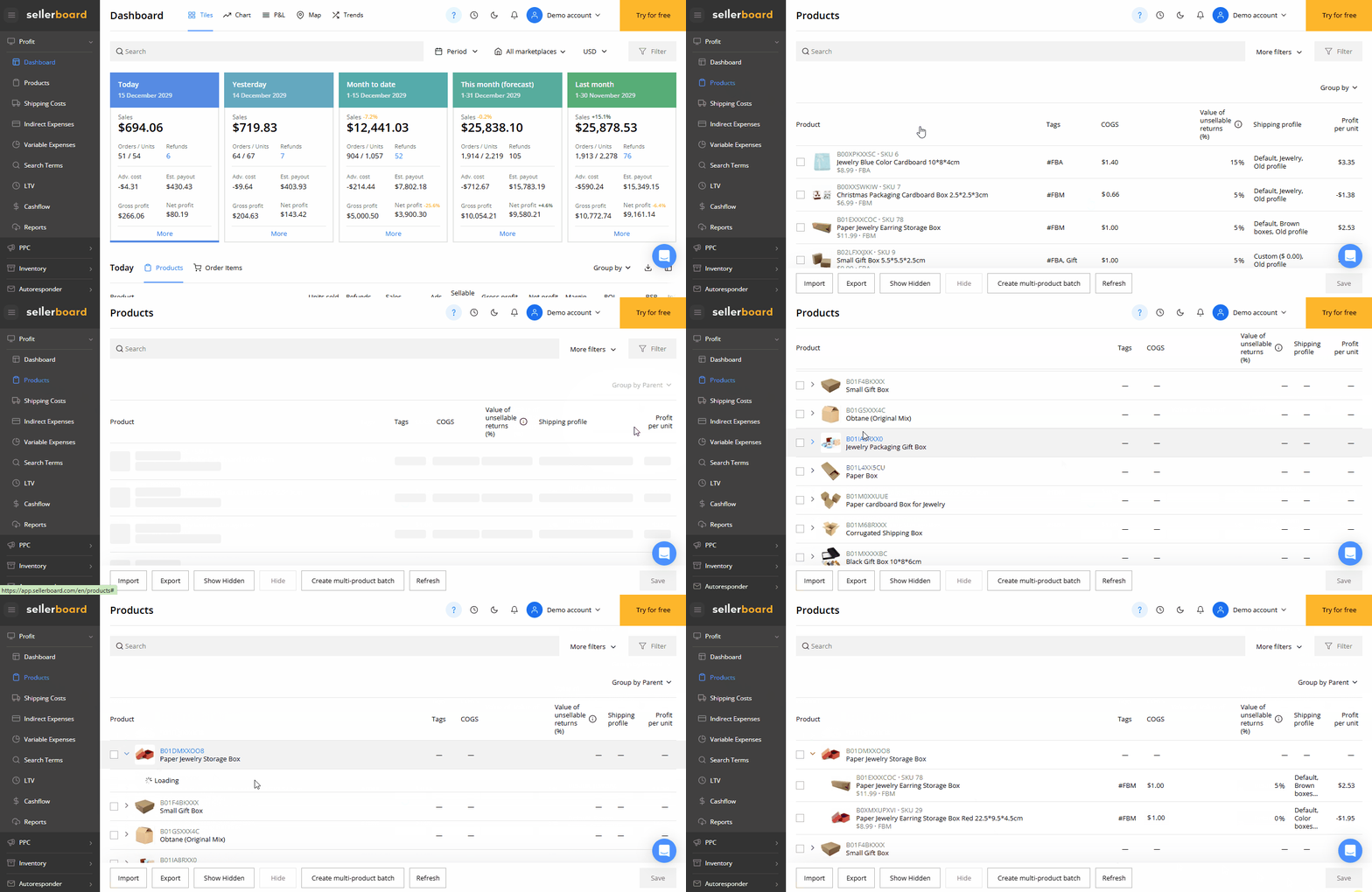
Products on the Product Page can now be grouped by their Parent.
Instead of scanning long lists of variants, you can expand a Parent group and see all related child products together — including whether cost of goods has already been entered for each item.
Why it matters:
When your catalog includes many parent–child relationships, structure is everything. Grouping makes your Product Page easier to understand, faster to navigate, and more practical for cost maintenance.
Benefits:
- Faster navigation through variant-heavy catalogs
- Better overview of each product family
- Quick visibility into missing costs across variants
- Less scrolling, fewer clicks
How it works:
- Products are displayed inside collapsible Parent groups
- Expand/collapse each Parent to focus on one product family at a time
- Review child items and their cost status directly within the group
🔐 Settings: Change your login email address (with confirmation on both emails)
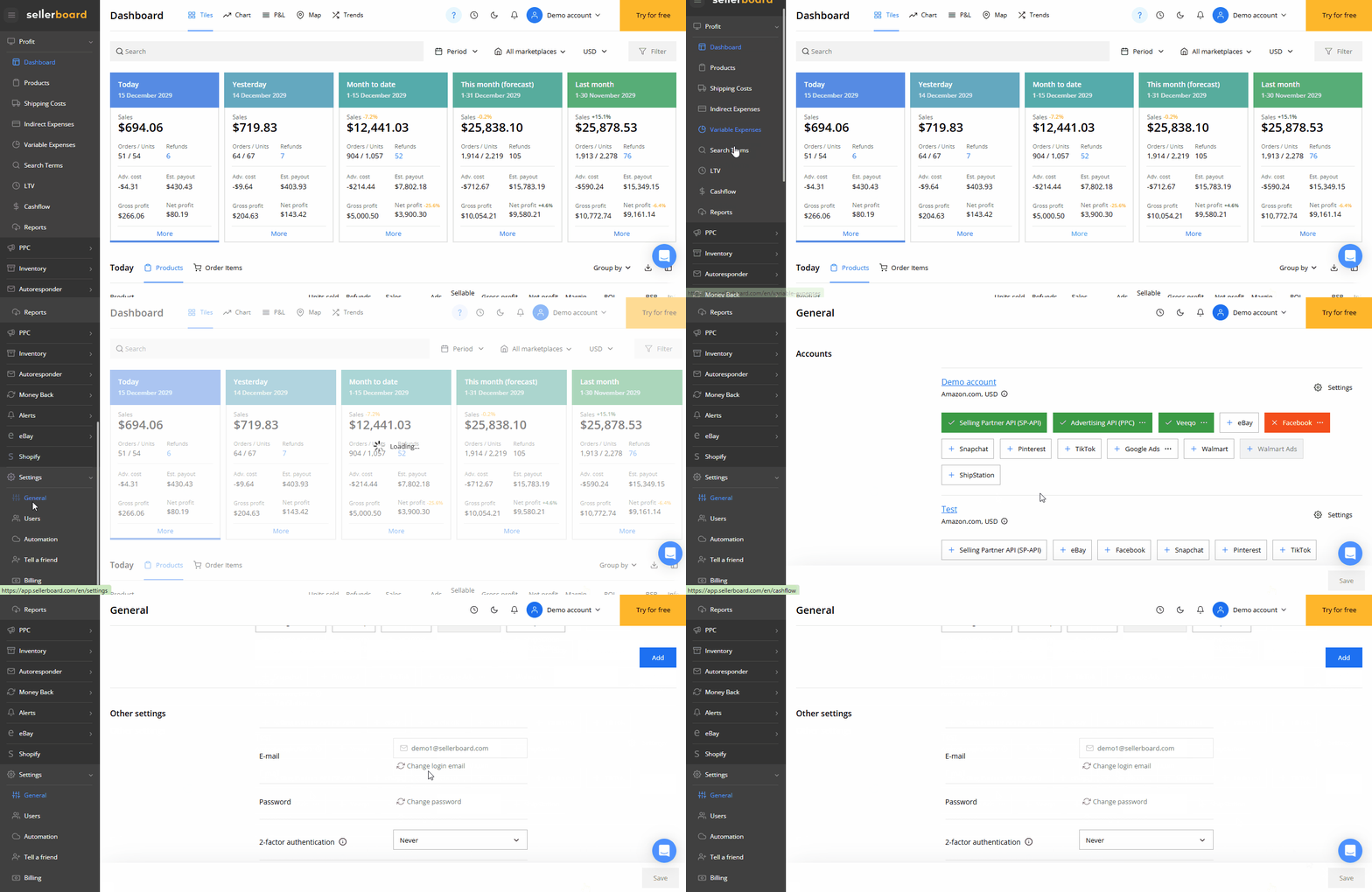
You can now update the email address linked to your sellerboard account directly from the Settings page — no support request needed.
This is especially helpful when switching company domains, reorganizing your team, or tightening security. Since changing the login email affects account access, the process includes verification steps for both the current and new email.
How it works (step-by-step):
- Open Settings and click Change account email
- Your current login email is prefilled — confirm it to begin
- You receive a confirmation code at your current email address
- Enter the code in the dedicated field
- If needed, you can re-request the code via the button below the field
- Enter your new email address
- We send a second confirmation email to the new email
- After successful confirmation, sellerboard will:
- Terminate all active sessions
- Disconnect the account from Amazon, eBay, and Walmart
- Send notification emails to both the old and new address
- Redirect you to the login page
What to expect after the change:
- You’ll be prompted to reconnect your Amazon/eBay/Walmart accounts
- If the account includes additional users, their connections will be impacted as well (so it’s best to do this at a moment that won’t interrupt your team)
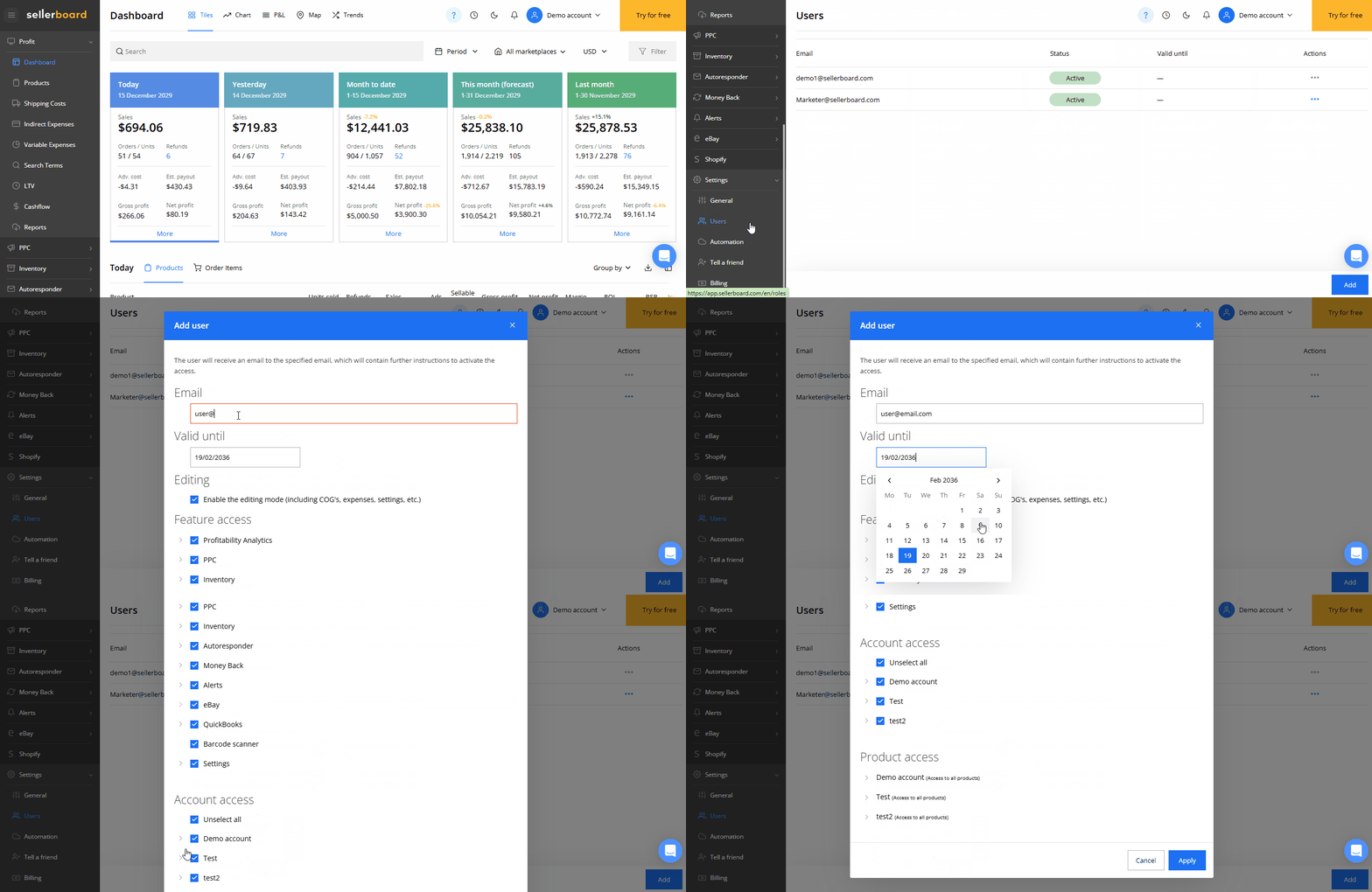
👥 Settings: User access with “Valid until” dates
It’s now possible to set a “Valid until” date for each user in your sellerboard account.
On the selected date, the user is automatically deactivated — helping you keep access tidy and secure without manual reminders.
Great for:
- Agencies and freelancers
- Temporary team members
- Short-term operational support
Benefits:
- Automatic cleanup of temporary access
- Better security hygiene
- Less admin overhead
- Clearer team governance
All updates are live now and ready to use.
We’d love your feedback — your input helps shape what we build next.