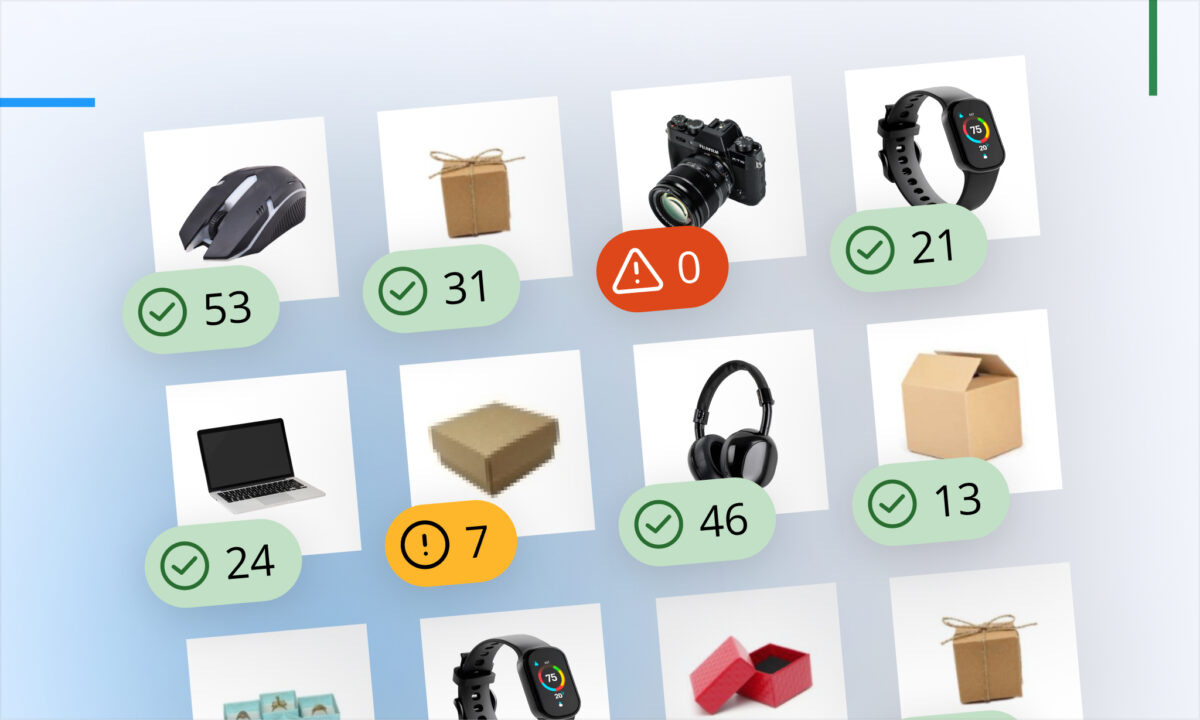
Sellerboard continues to refine its dashboards with practical improvements focused on daily usability and better decision-making. This week’s update introduces enhanced inventory visibility for Walmart sellers, along with a long-requested improvement to dashboard flexibility.
Inventory Visibility on the Walmart Dashboard
Stockouts remain one of the most critical risks for marketplace sellers. Losing inventory at the wrong time can directly impact rankings, sales velocity, and overall performance.
With this update, inventory levels are now integrated directly into the Walmart Dashboard. Instead of switching between views, sellers can analyze sales performance and stock availability in one place.
This unified view allows you to:
- react faster to spikes in demand
- align replenishment decisions with real sales data
- prevent listings from going inactive due to low stock
When sales increase, you can immediately verify whether inventory can sustain that growth. When performance drops, it becomes easier to identify whether stock levels are part of the issue.
<GIF>
Adjustable Column Widths Across Dashboards
In addition to inventory tracking, sellerboard has introduced adjustable column widths in both the Walmart Dashboard and the Amazon Profit Dashboard.
While simple, this improvement significantly enhances data analysis. Sellers managing large catalogs or comparing multiple metrics can now customize how information is displayed.
Key benefits include:
- better visibility of important metrics
- improved readability for dense datasets
- more control over how performance data is structured
This makes daily analysis more efficient, especially for users who rely heavily on dashboard views for decision-making.
<GIF>
Now Live
All updates are already available in sellerboard. As always, user feedback plays a key role in shaping future improvements.